The recap your guests will actually want to share.
Guests scan a QR code and drop in short clips. We turn the night into a polished, vertical recap, delivered before the after-party.
No app for your guests. No editor for you. Just the highlight reel your camera roll never quite became.
Free for up to 3 guests. Paid events from $1.99: one payment, no subscription.

Sample recap
A real recap, cut the same night.
This one was stitched from short clips the guests sent in. Tap it to play.
From our early hosts
What hosts are saying
Real feedback from the first events we shipped recaps for.
“We had a hundred phones recording and nothing to show. Moment Recap turned it into the only video from the wedding I've actually watched twice.”
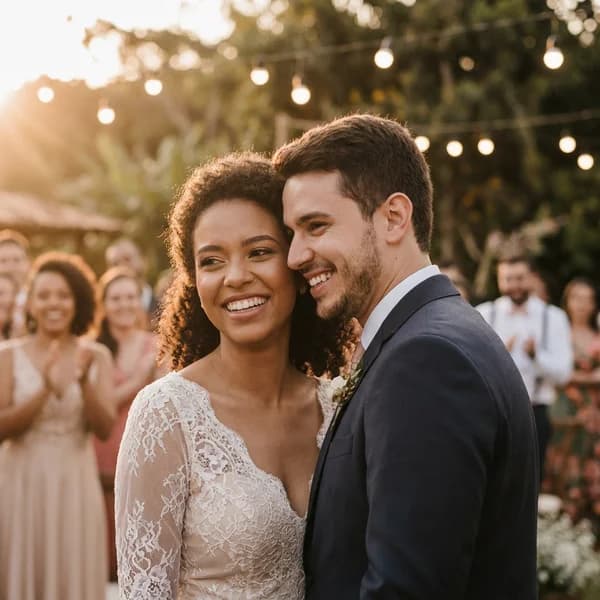
Maria & Léo
Wedding · São Paulo
“We sent the recap to the team on Monday morning and people watched it before opening Slack. That never happens.”

Daniel R.
Company offsite organizer
“Honestly thought it would be a gimmick. The cut was tighter than the one we paid a videographer for last year.”

Priya S.
Birthday host
How it works
Three steps. Your guests do step 2.

Create your event
Pick a theme, a soundtrack, and a target length. You get a single shareable QR code for the night.
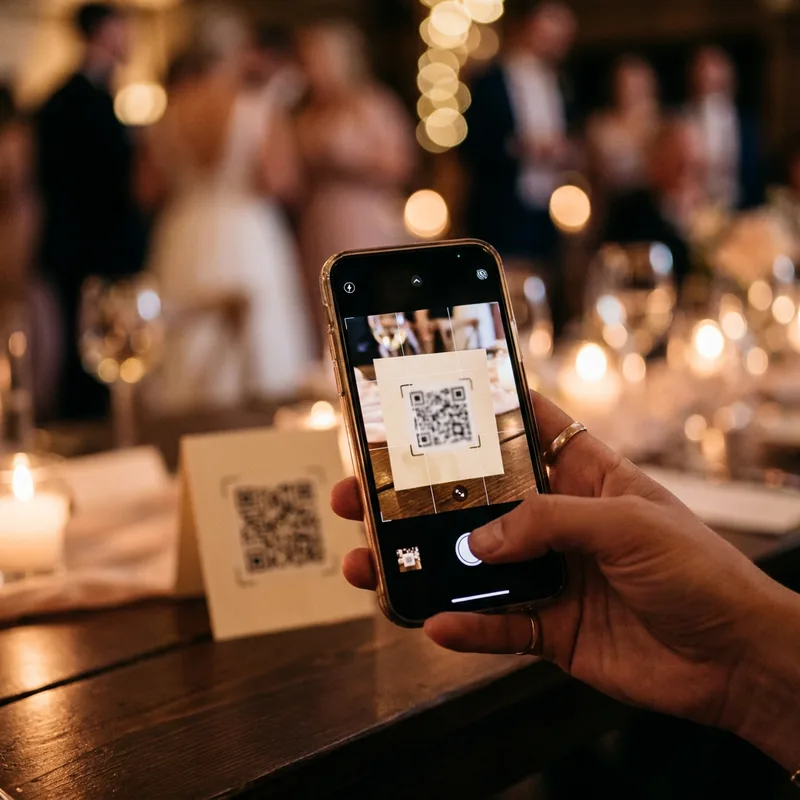
Guests scan & send clips
No app needed. Guests scan, record a few vertical seconds, and upload. Friends-of-friends can join in too.
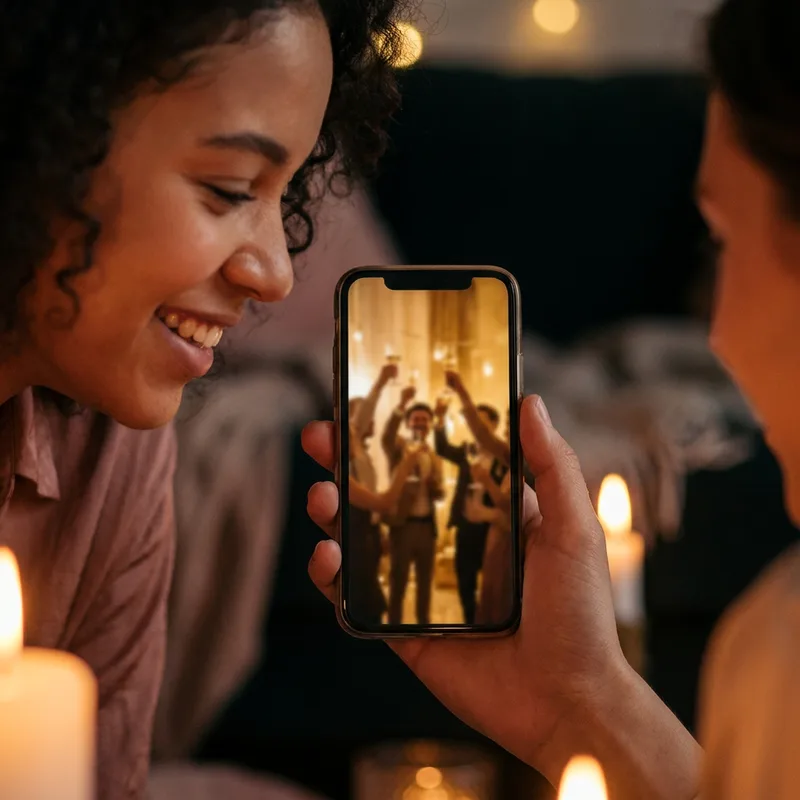
Get your recap
We auto-edit the best moments into a fast-cut vertical recap, ready to share on Reels, TikTok or the family group chat.
The editor
Nothing to edit. Unless you want to.
The first cut is made for you the moment the event ends. The editor is there for when you want the last word on it.
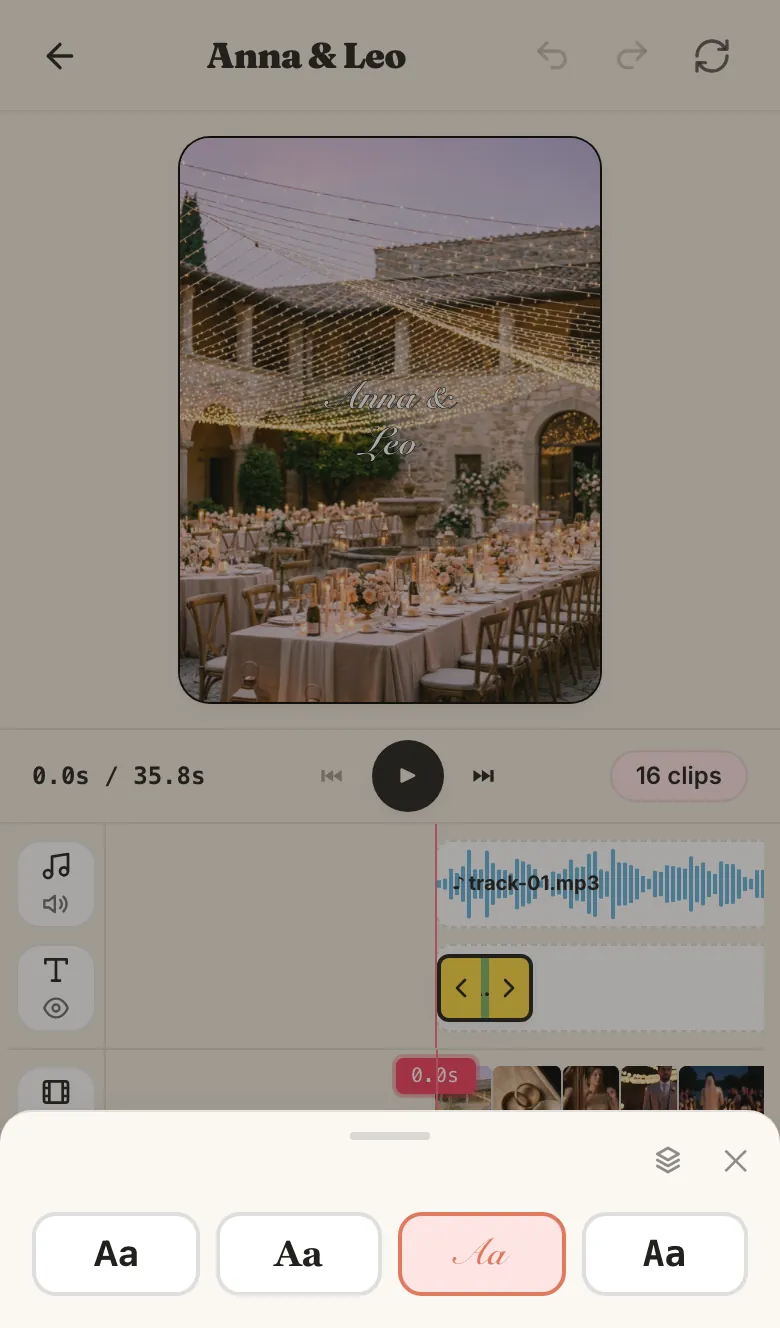
Style the titles
Write a title, pick a font, place it in the frame. The preview updates as you type.
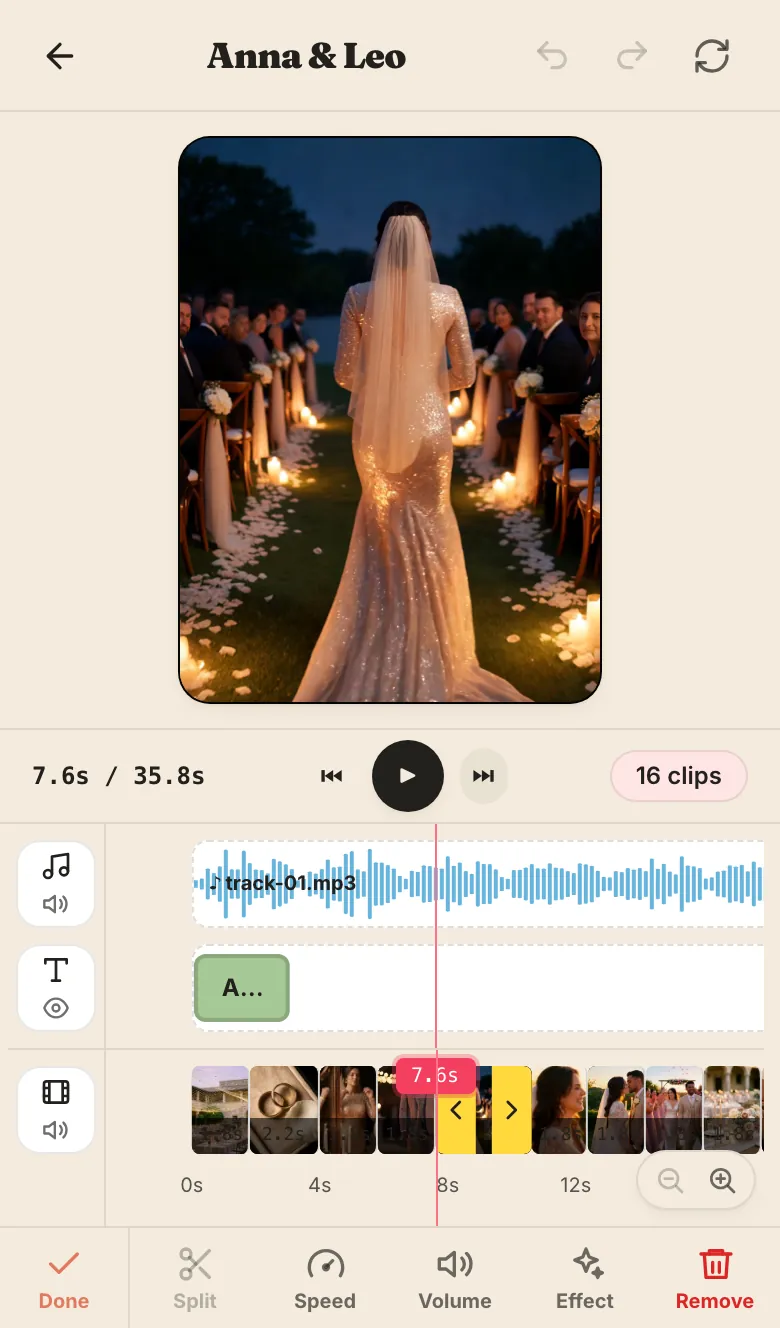
Cut it your way
Every guest clip lands on one timeline. Trim, reorder, split, slow a moment down, and mix your own track underneath.
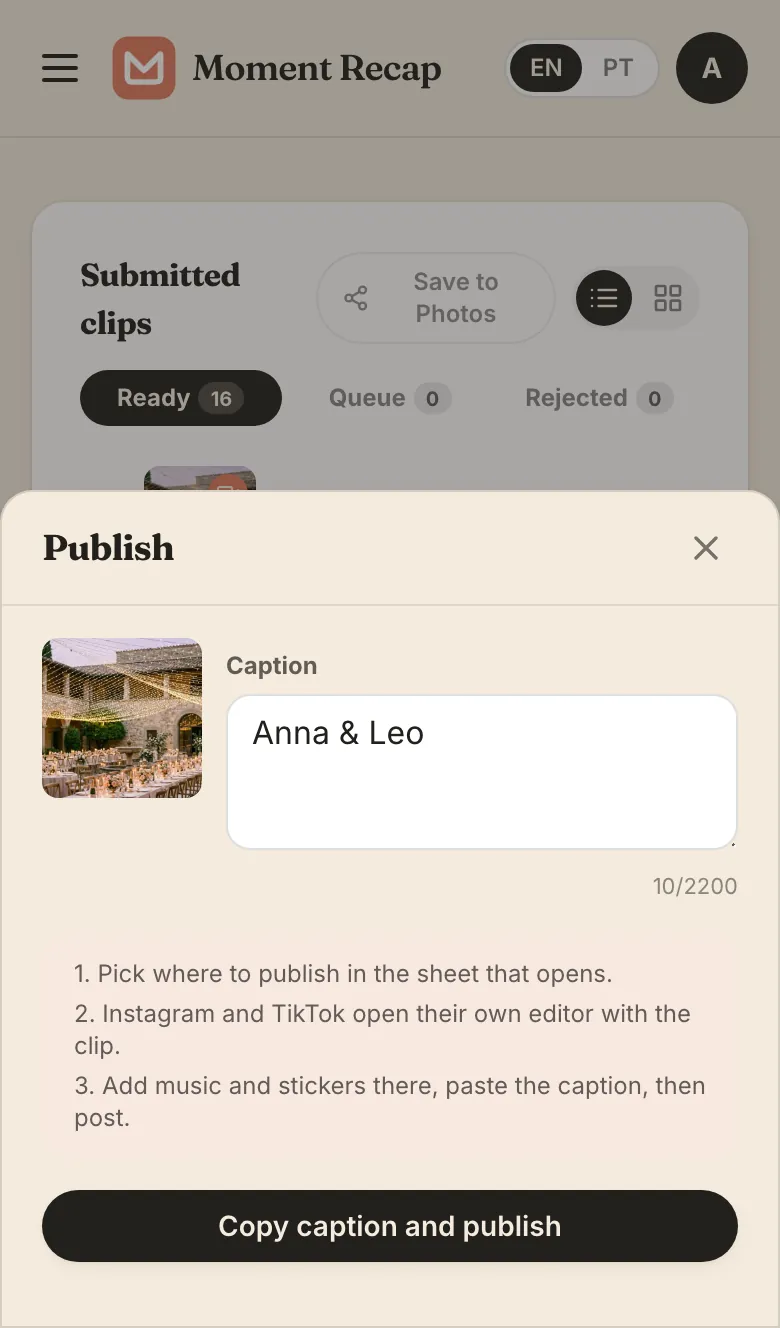
Post it from your phone
Send a clip to your phone's share sheet with the caption already copied. Instagram and TikTok open with the video attached.
The finished recap comes out as a vertical MP4, ready to share on Reels, TikTok or the family group chat.
Live screen
Put the party on the wall
Open the live screen on the laptop plugged into the TV. Everyone's photos loop on the big screen, with the QR code beside them, all night.
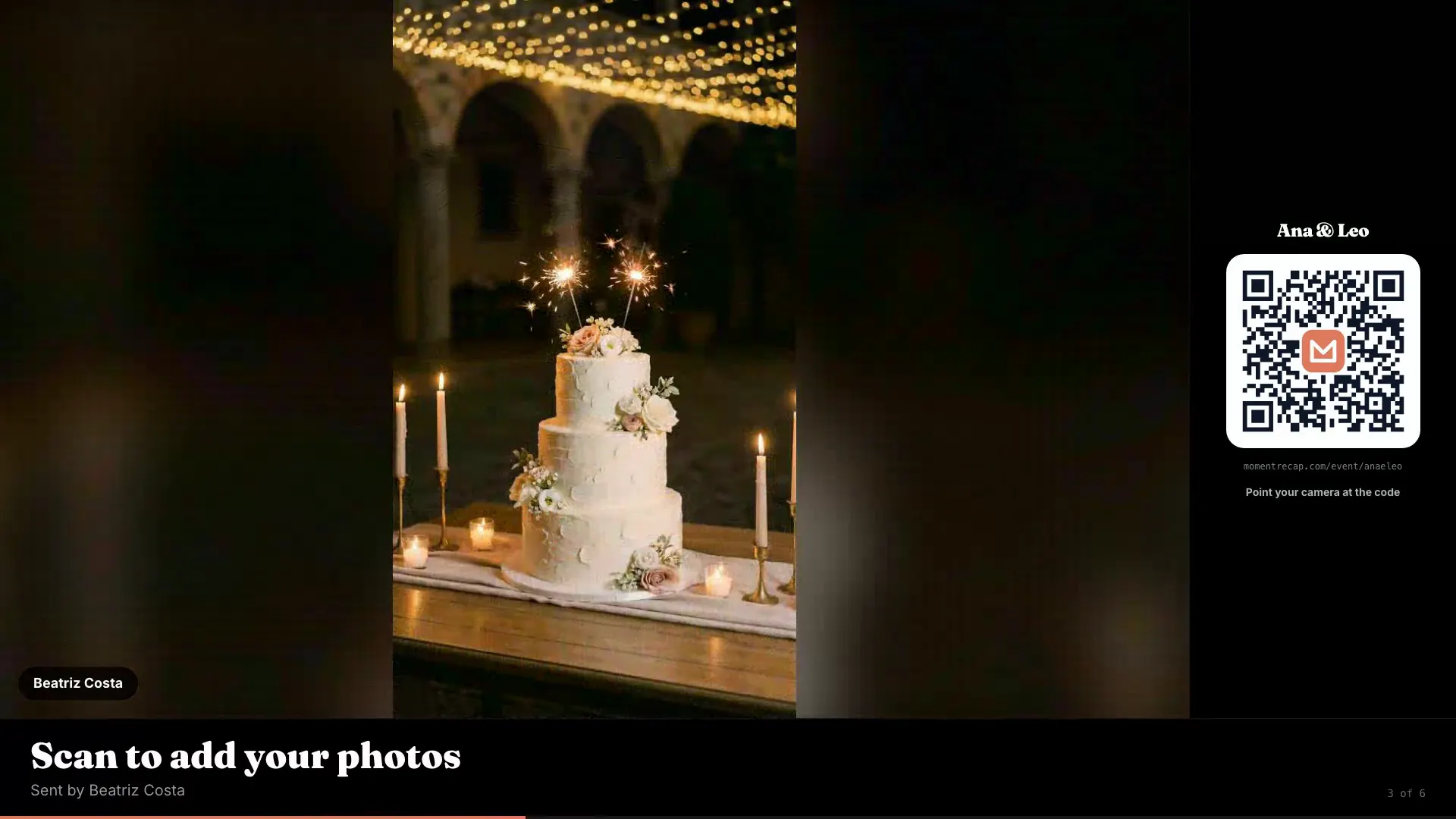
New photos show up in seconds
The wall loops everyone's photos all evening. When a guest sends one it goes straight to the front of the queue, so they watch it land while they are still standing there.
The code is always up
No one has to ask how to join. They look at the screen.
Names on every photo
Guests see their own name on the wall, which is why they send the next one.
Nothing to set up
It is a page in your dashboard. Open it on any laptop, press fullscreen, done.
Features
Built for collecting guest video, not for the upload form.
Every feature exists for one reason: a recap people actually share.
No app for your guests
Guests scan a QR and upload from their phone's browser. No accounts, no installs, no friction.
A disposable camera for the night
Live camera only, or open it up to gallery uploads. Your call.
A shared album, if you want one
Off, opening when the event ends, or live from the first upload.
Seal it as a time capsule
Locked until the date you pick, even to you.
Auto-edited, then yours to change
The first cut lands when the event ends. Edit it if you want.
Vertical from the first frame
Guests film in portrait and the recap is cut in portrait, so it sits naturally on Reels, TikTok and Shorts.
Pricing
One simple price per event.
Pick your guest count and pay once for that event. No subscription, and your event starts free.
Up to 50 guests
Included
- Maximum of 50 guests can join your event
- Each guest can share up to 20 videos and 20 photos
- Customize your recap with the built-in editor
- No watermark on your final recap
- Post your recap to Instagram from your phone, caption ready
- Style your QR code with your colors, an icon or your logo
- Recap and clips stay available for 90 days
- Keep your event private and secure
- Invite guests easily with a QR code or link
Start free and upgrade your event anytime.
All plans and prices
- Up to 3 guestsFree
- Up to 10 guests$1.99
- Up to 25 guests$4.99
- Up to 50 guests$14.99
- Up to 100 guests$29.99
- Up to 150 guests$49.99
- Up to 200 guests$69.99
- More guestsContact us
Free plan: 3 videos and 3 photos per guest, kept 30 days, no editor.
Paid plans: 20 videos and 20 photos per guest, kept 90 days, editor included.
Moment Recap at a glance
Collect guest photos and videos through one QR code, then turn the clips into an automatically edited event highlight video.
- Guests join in their browser
- Share the event QR code or link. Guests can record or upload from their phone without installing an app or creating an account. The host chooses whether gallery uploads are allowed.
- A vertical video to download and share
- The finished recap is a vertical MP4 for Reels, TikTok or your group chat. Guest and upload limits, editor access, and retention depend on your event plan; compare them below.
- The recap is made for you after the event
- End the event yourself when you are ready, or let it close at its scheduled time. The recap is then generated automatically, with no editing needed.
- You control access to guest media
- Guests see their own uploads and the finished recap by default. The host can enable a shared album and separately allow downloads. When you put the live screen up on a display, guest media shows to everyone in the room.
FAQ
Questions hosts ask
Everything you'd want to know before putting your guests' clips into a stranger's pipeline.
Create the event and share its QR code, on a sign, a table card, or the invitation. Guests scan it, record a clip or pick one from their camera roll, and it uploads from the browser. Every clip lands in the same place, and the recap is cut from them when the event ends.
No. They scan a QR code and upload from their phone's browser. No accounts, no installs.
Short vertical clips, 1 to 5 seconds each, recorded the way guests naturally film at events. We handle the editing, they just have to point and shoot.
The recap is cut for you once the event ends and can take up to an hour to be ready. Close the event yourself to start it right away, or open it in the editor and re-cut it.
By default, only you: guests see their own uploads and the finished recap, nothing else. The shared album (live, or when the event ends) opens everyone's media to them, and downloads are a separate switch. The live screen is separate too, and projects everyone's media on a TV.
You pay once per event, based on how many guests can join. Small events are free, and you can see every tier in the pricing section above.
Yes. Create your event, share the QR code, and get your recap the same night. Big events get personal onboarding, just contact us.
Your next event deserves a recap, not a camera roll.
Create your event in minutes and invite guests with a single QR code.
Create your event